
jsloop styles your Markdown
March 27, 2025

Looking for a stylesheet to spruce up your Markdown? DEVONthink user jsloop has created his own darkly themed styling for DEVONthink and DEVONthink To Go, that he shares with you. (more)

Looking for a stylesheet to spruce up your Markdown? DEVONthink user jsloop has created his own darkly themed styling for DEVONthink and DEVONthink To Go, that he shares with you. (more)

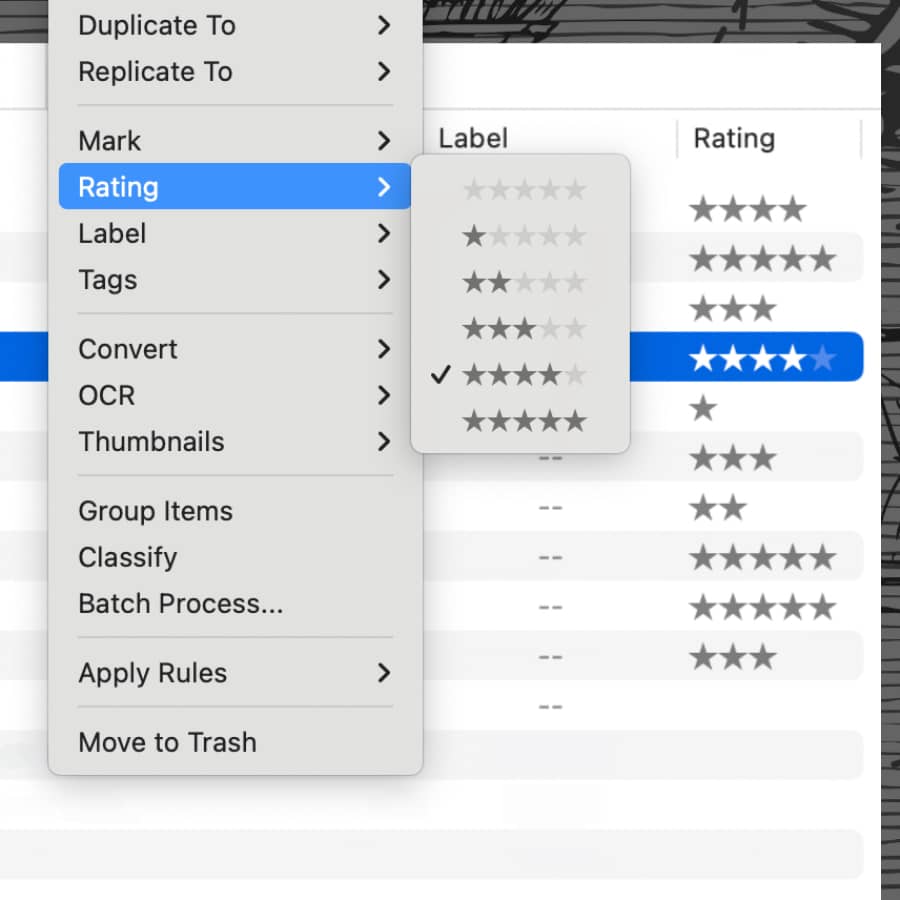
In DEVONthink and DEVONthink To Go, you can assign ratings to objects. But what are these markers actually for and how can you use them? Here are some suggestions. (more)
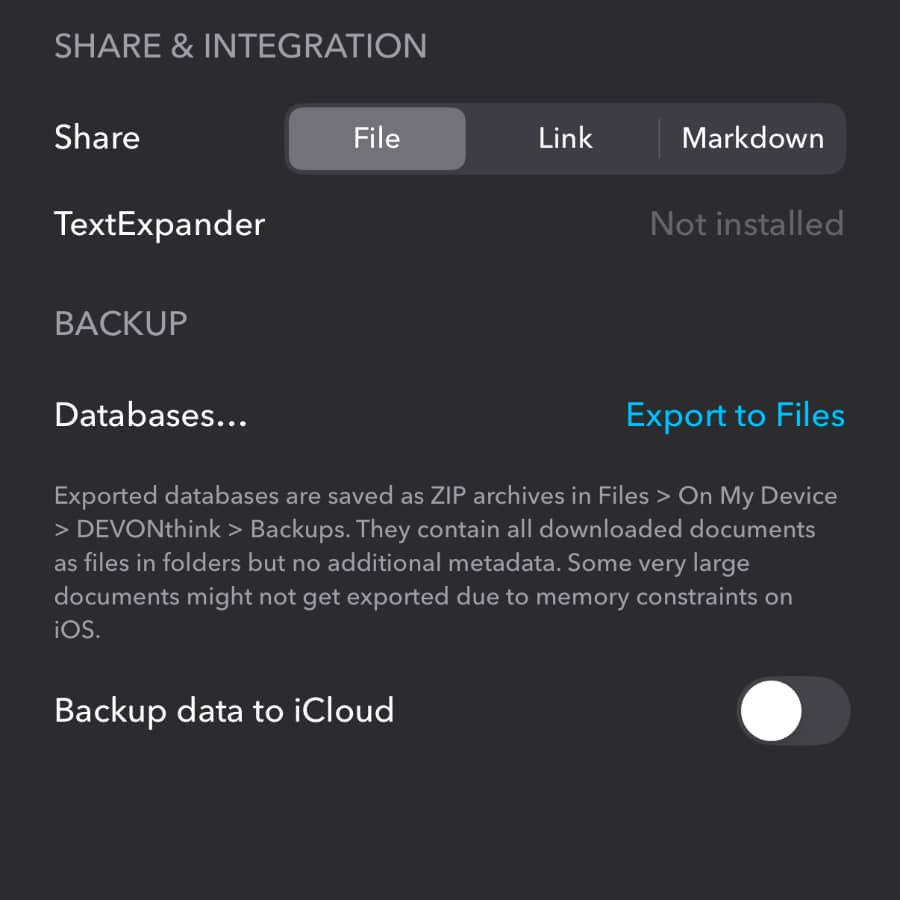
Any time you store your data on servers you don’t operate, you have to trust they will respect your privacy. But even if you feel fairly comfortable, it’s not a bad idea to take a few further steps to protect your data. (more)
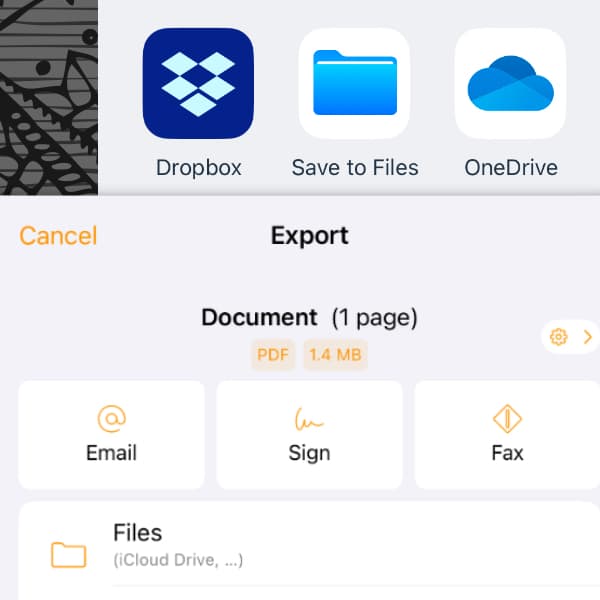
There are many ways to scan documents with your iPhone. But what’s the easiest way to get scans from your favorite scanning app into DEVONthink To Go without the hassle of moving documents around? Here we show you how to scan directly into your database. (more)

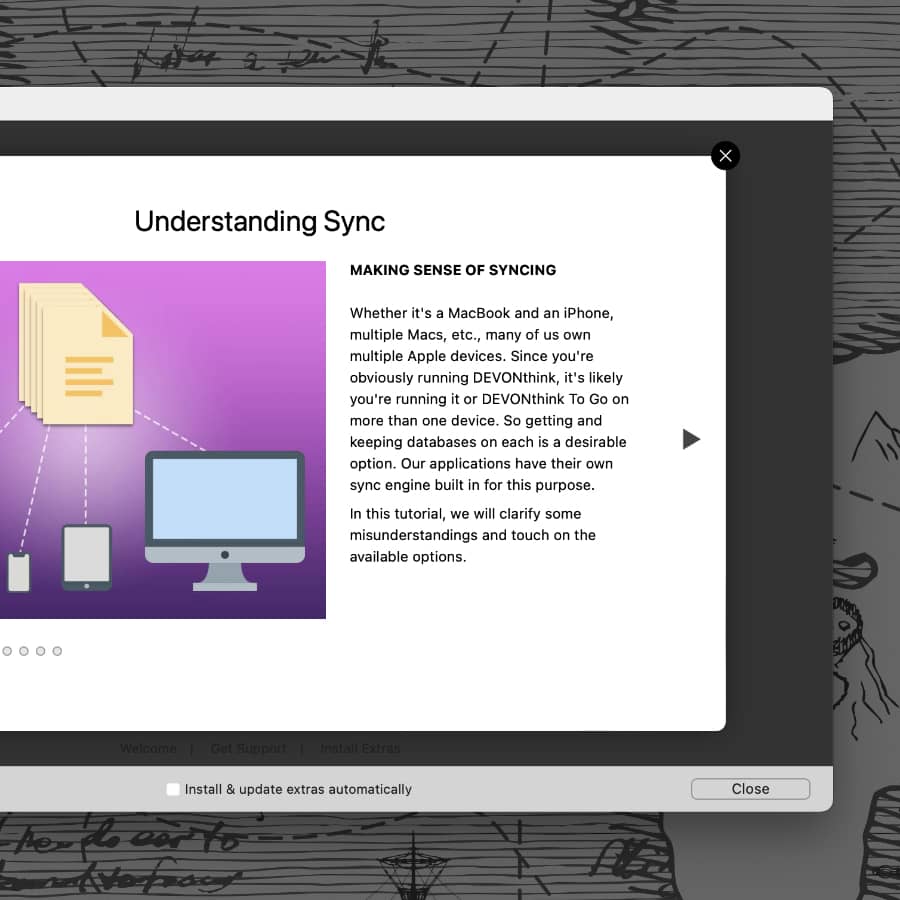
If you want to work with your documents on multiple devices, you need to synchronize your databases. But what options do DEVONthink and DEVONthink To Go offer and how do they differ? We have created a tutorial to answer these questions. (more)
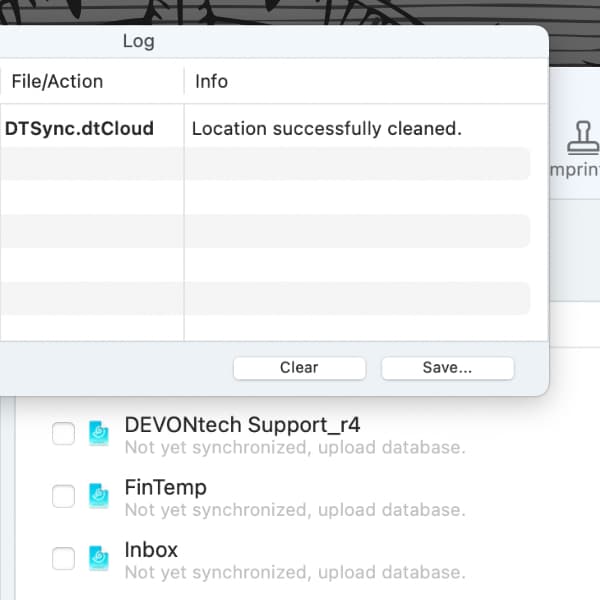
For some sync-related errors or when needing to modify an encryption key in DEVONthink or DEVONthink To Go, cleaning the sync data may be required. Here we show you, how to properly do this. (more)
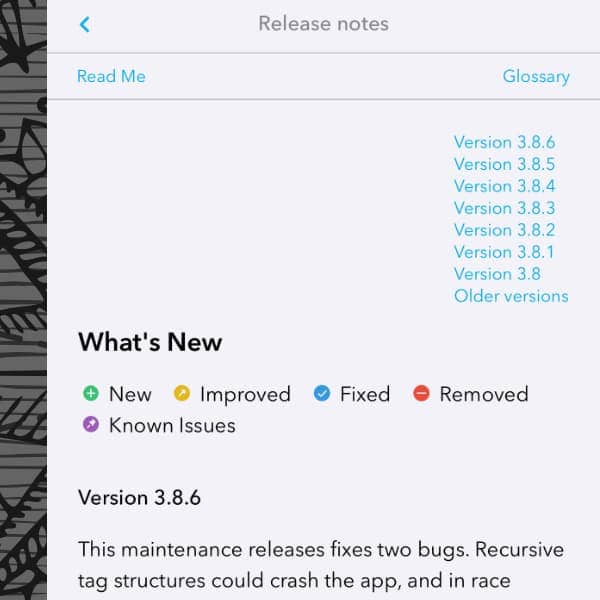
When updating DEVONthink or our other applications, you might want to know what’s new and what we’ve improved? This is what the release notes are for, which we provide with every update to our apps. Here’s what’s in the notes and how they can help you. (more)
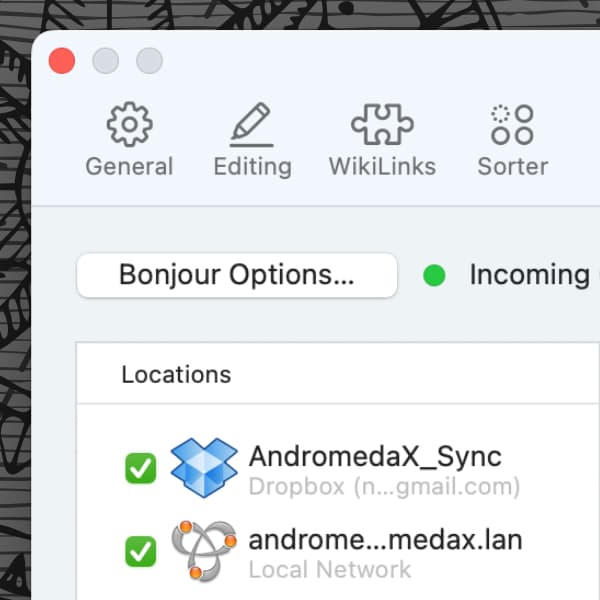
When choosing a sync method in DEVONthink or DEVONthink To Go, you can decide between a local and a remote sync. Here is, how they differ. (more)
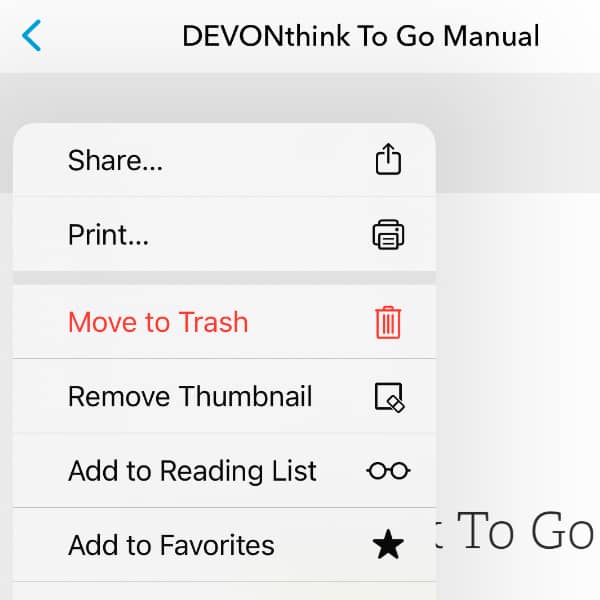
When working with a PDF, you may have marked it up with some annotations. If you would now like to share this PDF with someone, you might prefer to have a clean version of the document. Here we show you how to get this in DEVONthink and DEVONthink To Go. (more)
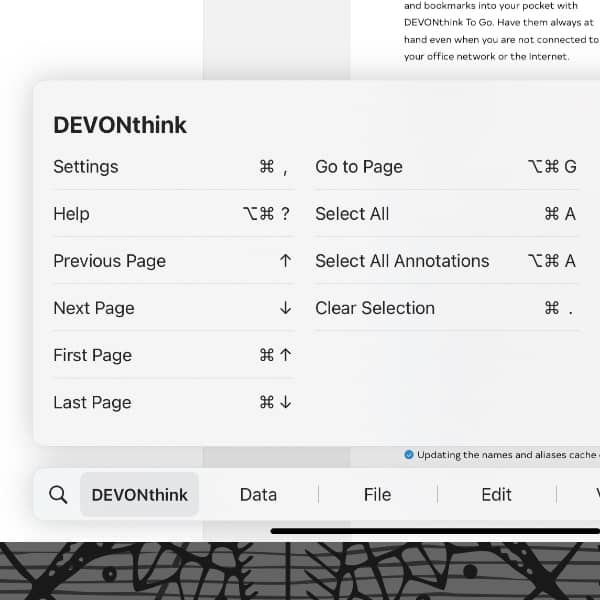
If you’re using an external keyboard with your iPad, you have access to keyboard commands in DEVONthink To Go. Here are a few keyboard shortcuts you may consider useful. (more)